Beszel Monitoring Service

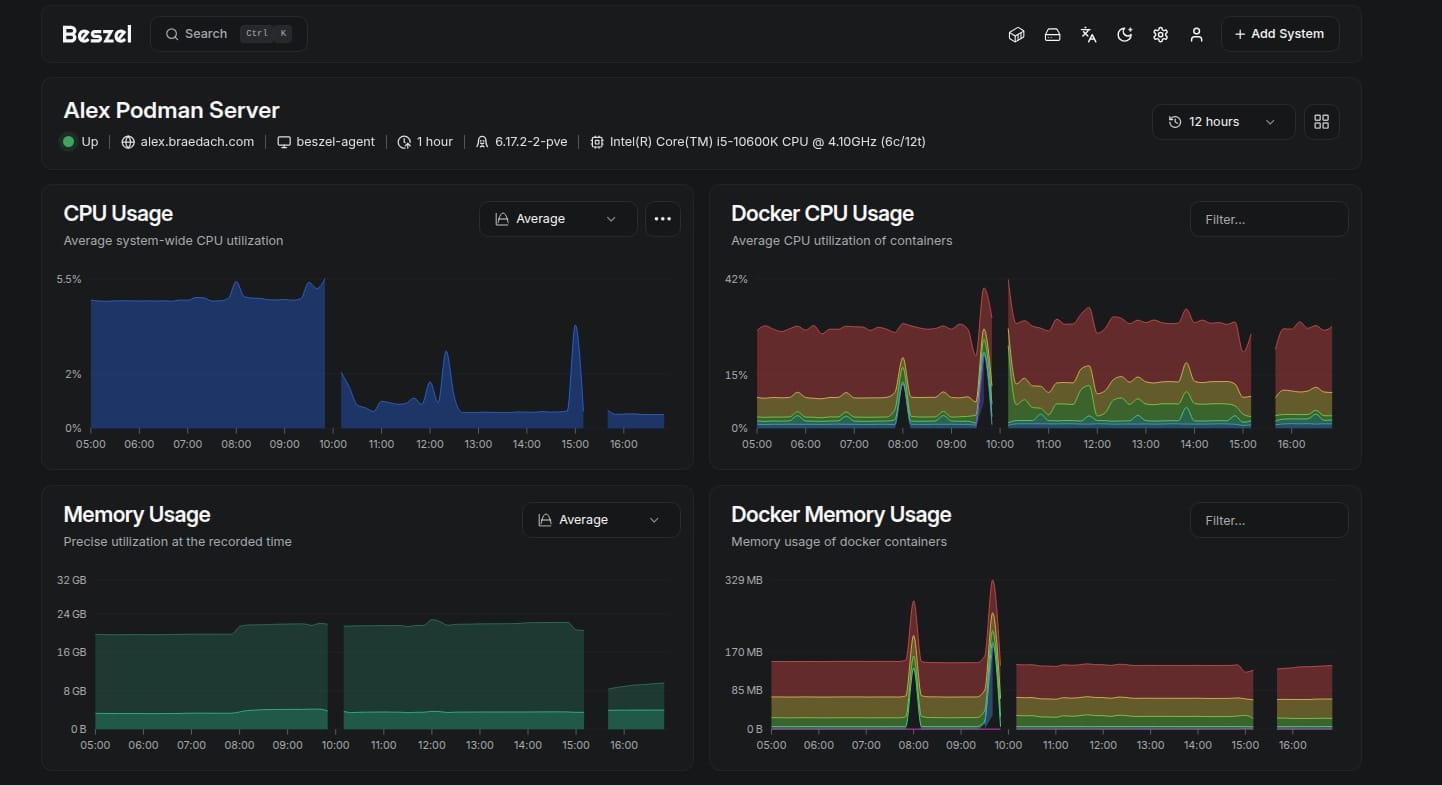
I am still stuffing about with my server.
I would be a lot further along with this if it was not for Docker version 29, Proxmox VE 9.1, Apparmor and Portainer CE. I think nearly every single one broke in some way after they updated their software.
Anyhow moving on.
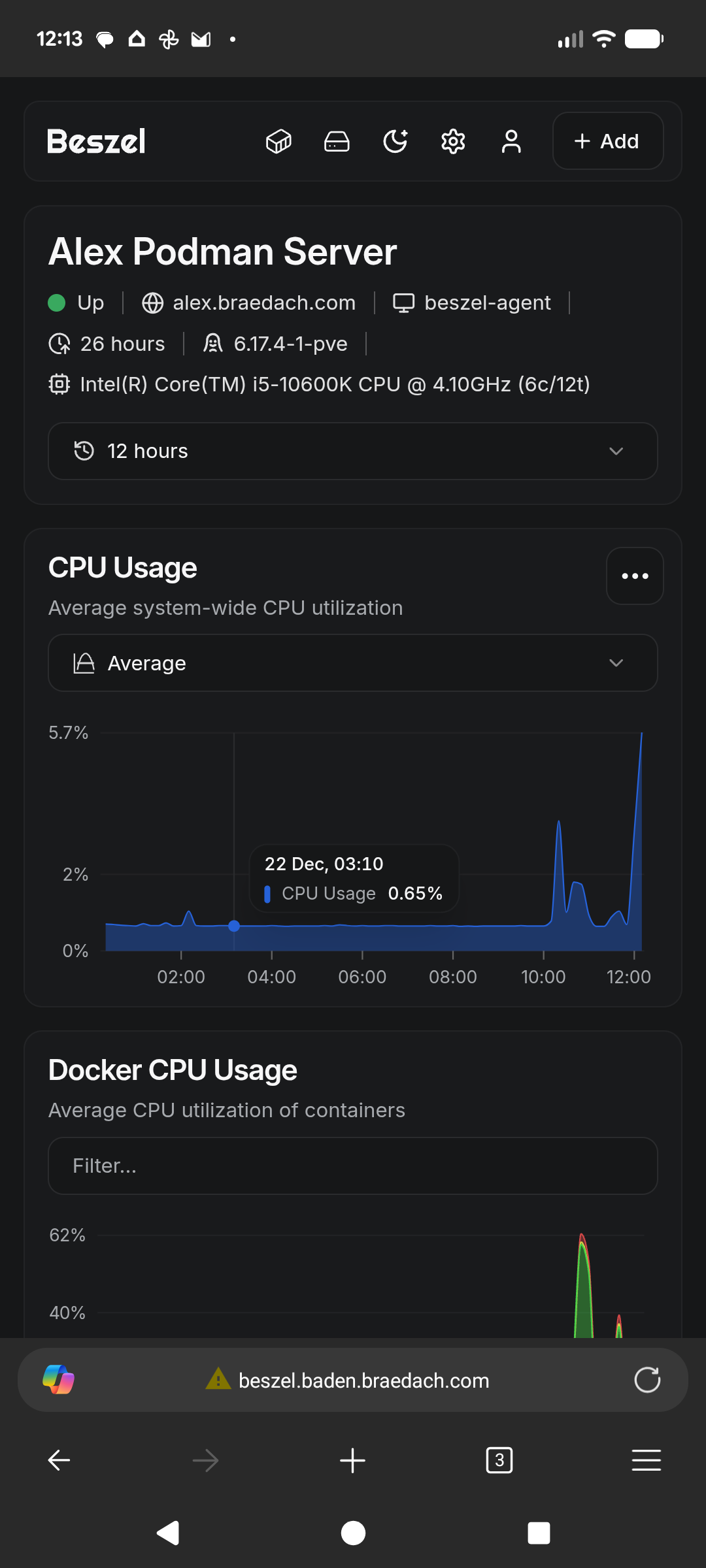
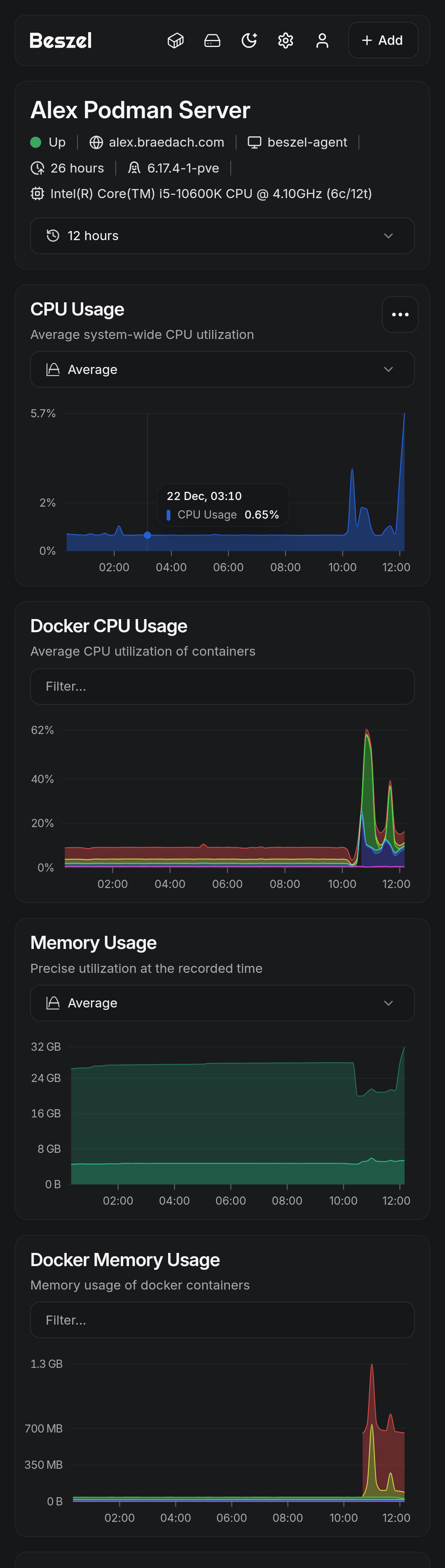
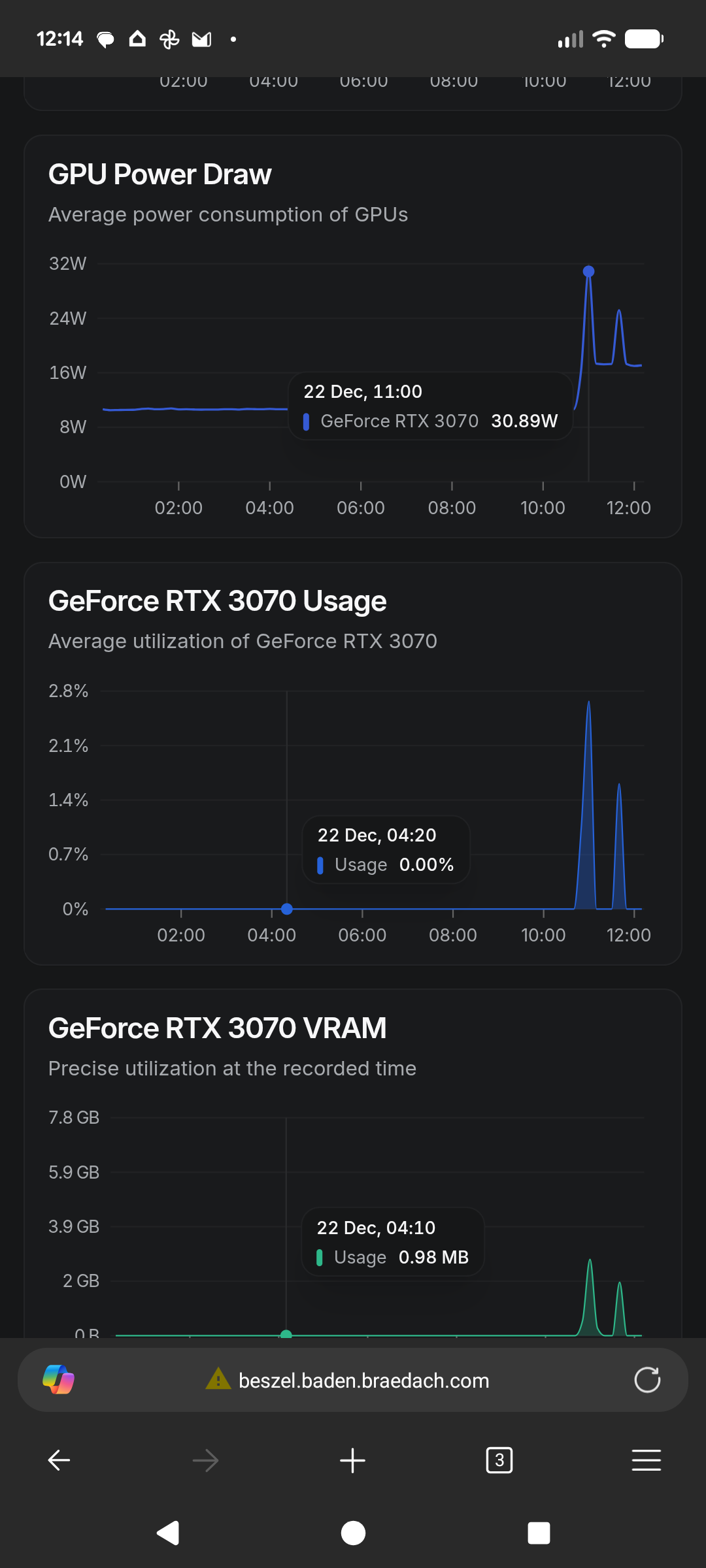
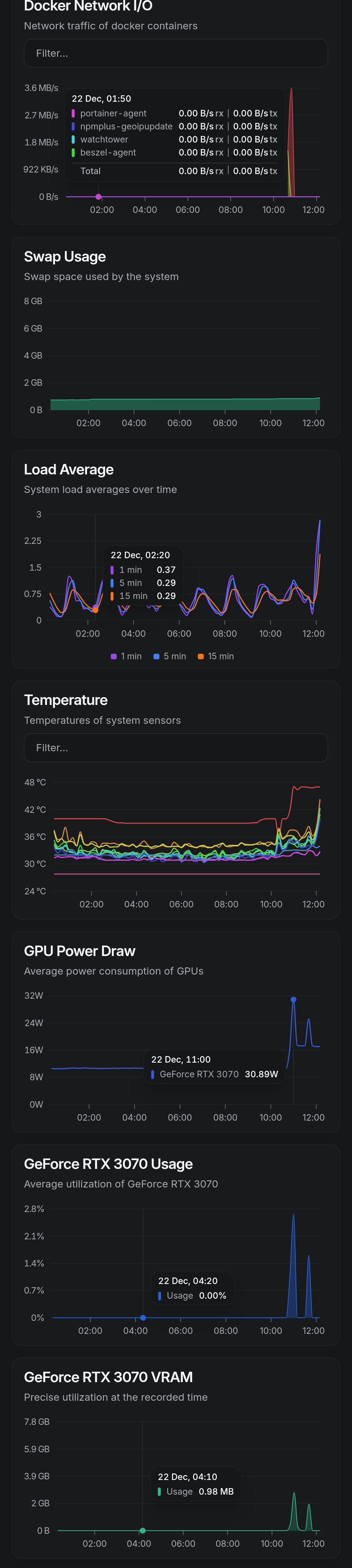
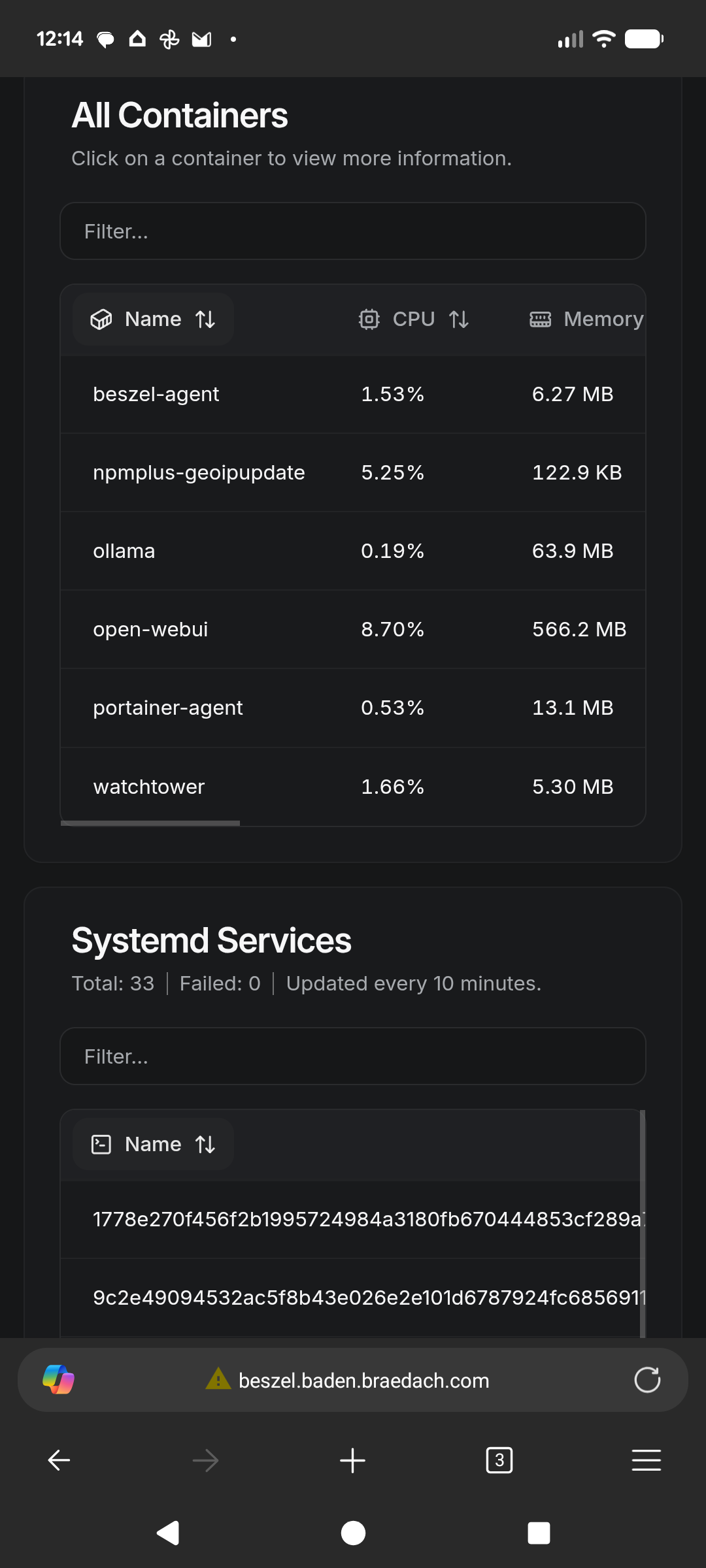
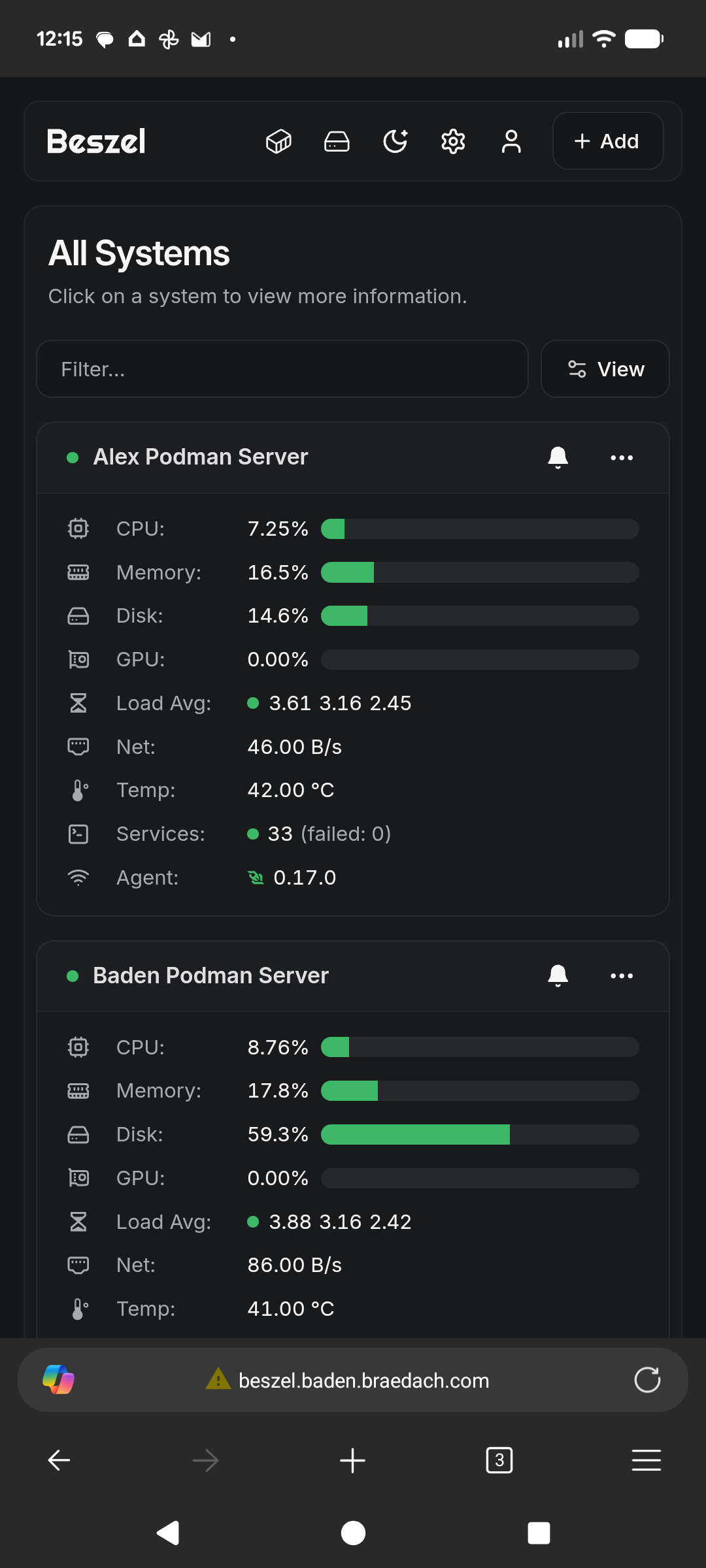
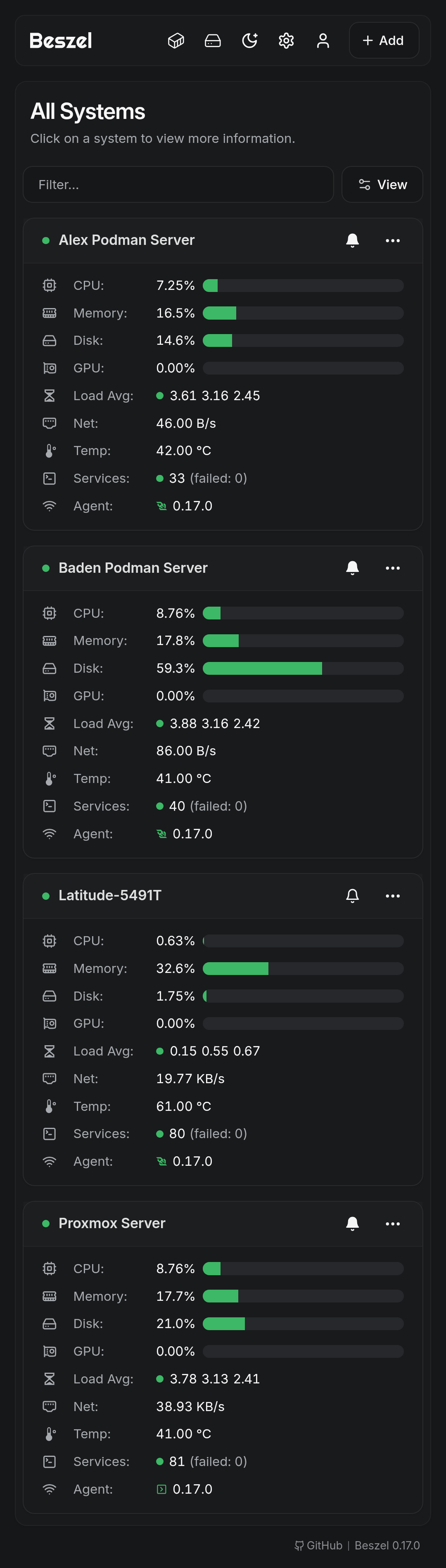
Beszel is great although I have a few teething problems to iron out.

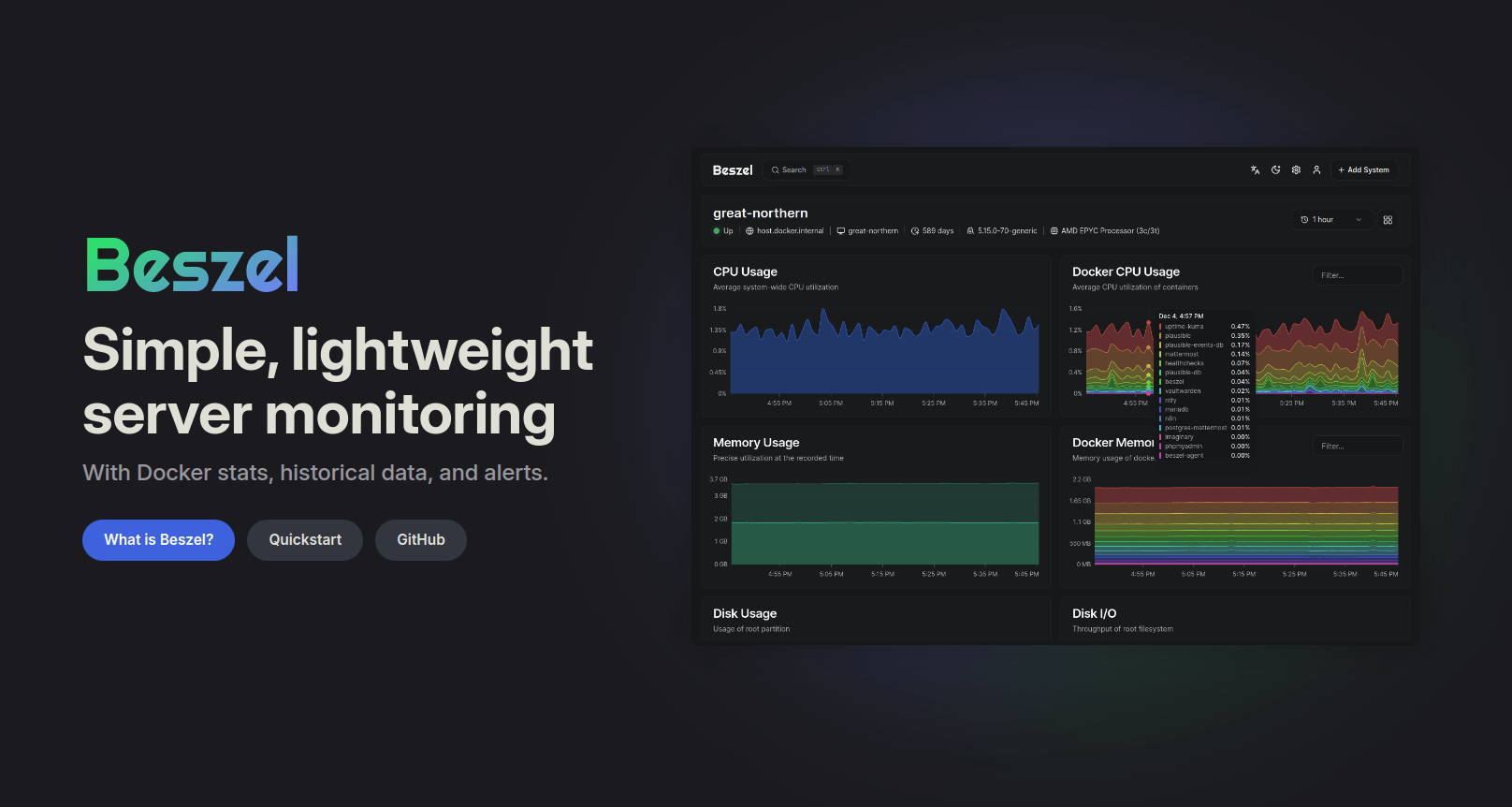
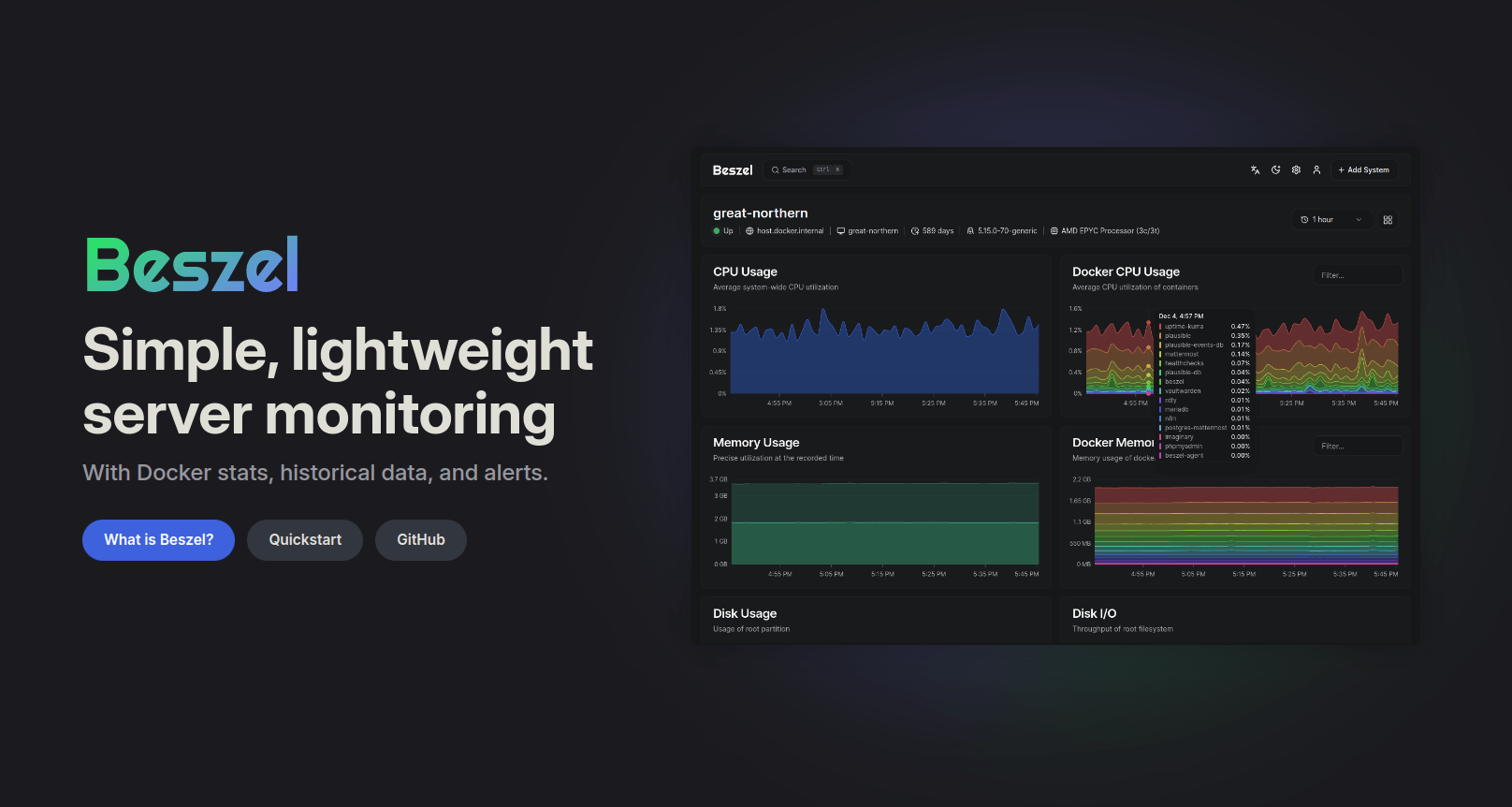
Beszel is a lightweight server monitoring platform that includes Docker statistics, historical data, and alert functions.
It has a friendly web interface, simple configuration, and is ready to use out of the box. It supports automatic backup, multi-user, OAuth authentication, and API access.
Supported metrics
- CPU usage - Host system and Docker / Podman containers.
- Memory usage - Host system and containers. Includes swap and ZFS ARC.
- Disk usage - Host system. Supports multiple partitions and devices.
- Disk I/O - Host system. Supports multiple partitions and devices.
- Network usage - Host system and containers.
- Load average - Host system.
- Temperature - Host system sensors.
- GPU usage / power draw - Nvidia, AMD, and Intel.
- Battery - Host system battery charge.
My system
- Hypervisor: Proxmox VE 9.1 - clean install
- Servers: Podman LXC servers based on Debian 13
- NAS: None at the moment
- Container Management: Portainer CE and agents
- Beszel: Server and Agents via Portainer - Proxmox Agent is binary

Installation
The host installation is simple enough as per below although you have to allow for the following:
- Reverse Proxy configuration.
- Firewall - ensure you allow the 8090 port or you will drop back to SSH a lot
- If using Podman ensure the networks exist via Podman CLI prior to deployment
- Configure the Beszel Server as soon as you get it running, by adding your hosts. You can recover the token keys easily enough afterwards to deploy your agents
- The environment file I have not published. Depending on how you deploy you will need one. Grab the generic from their website and modify accordingly iaw your container system/management method.
The server setup is easy. Note there are differences between Podman and Docker.
Updated 2025-12-22
- Switched to Nvidia GPU version
- Tested on development Podman LXC - working
- Used open-webui Ollama stack for testing
- Required the stopping and deletion of all beszel- agent on Portainer CE
- Complete reset of data worked
- Beszel is now reporting GPU information on development LXC
- Beszel agent deployed via docker compose - modified for Podman
- Beszel agent deployed on Proxmox server by binary - GPU automatic after setup
- Proxmox server & test laptop required native Nvidia drivers
# Docker compose service stack for Beszel monitoring server
# Ensure networking is configured prior to deploying the stack
# Networking is dual stack enabled
# Reviewed: 27-12-2025
# Updated - podman update label added - FQDN added to integrate proxy


services:
  beszel:
    # https://beszel.dev/guide/hub-installation
    image: henrygd/beszel:latest
    container_name: beszel
    hostname: beszel
    restart: always
    labels:
      - com.docker.compose.project=beszel
      - com.docker.compose.service=beszel
      - homepage.group=IT Management
      - homepage.name=Beszel
      - homepage.href=http://beszel.baden.braedach.com
      - com.centurylinklabs.watchtower.enable=true
      - dockflare.enable=false
    ports:
      - 8890:8090
    environment:
      - TZ=Australia/Perth
      - BESZEL_PORT=8090
      # You will need to do the following if remoting
      - BESZEL_DISABLE_IPV6=true
      # Required when using subdomains - use https if through proxy
      - APP_URL=http://beszel.baden.braedach.com
    volumes:
      - beszel-data:/beszel_data:U
      - /etc/localtime:/etc/localtime:ro
      - /etc/timezone:/etc/timezone:ro
    healthcheck:
      # The URL is relative to the container, not the host
      test: ['CMD', '/beszel', 'health', '--url', 'http://localhost:8090']
      interval: 120s
      start_period: 5s
    cap_drop:
      - ALL
    cap_add:
      - SYS_TIME
    security_opt:
      - no-new-privileges:true
    networks:
      - app-net

volumes:
  beszel-data:

networks:
  app-net:
    external: true
The Bezel Agent - Nvidia Version
Find below the code
services:

   beszel-agent:
    # https://beaszel.dev/guide/agent-installation
    # NVIDIA GPU Enabled Beszel Agent - you can leave this as standard if no GPU is present
    image: docker.io/henrygd/beszel-agent-nvidia:latest
    container_name: beszel-agent
    hostname: beszel-agent
    restart: always
    labels:
      - com.docker.compose.project=basestack
      - com.docker.compose.service=beszel-agent
      - com.centurylinklabs.watchtower.enable=false
      - dockflare.enable=false
    devices:
      # Podman NVIDIA GPU device mapping - remove if no GPU present
      - nvidia.com/gpu=all
    environment:
      - BESZEL_DISABLE_IPV6=true
      - TZ=${TZ}
      - LISTEN=45876
      - KEY=${SSH_Key}
      - TOKEN=${SSH_Token}
      - HUB_URL=http://beszel.baden.braedach.com
      - LOG_LEVEL=info
    volumes:
      # Containers socket (Beszel expects Docker path; mapped to Podman socket)
      - /run/podman/podman.sock:/var/run/docker.sock:ro
      # System bus
      - /run/dbus/system_bus_socket:/var/run/dbus/system_bus_socket:ro
      - beszel-agent:/var/lib/beszel-agent:U
      - /etc/localtime:/etc/localtime:ro
      - /etc/timezone:/etc/timezone:ro
   # Add healthchecks later
    cap_add:
      - SYS_TIME
    security_opt:
      - no-new-privileges:true
    networks:
      - app-net

volumes:
  beszel-agent:

networks:
  app-net:
    external: true
This is what the systemd configuration looks like - you may need to modify the bottom section to ensure it works correctly.
[Unit]
Description=Beszel Agent Service
Wants=network-online.target
After=network-online.target

[Service]
Environment="PORT=45876"
Environment="KEY=[your key]"
Environment="TOKEN=[Your token]"
Environment="BESZEL_DISABLE_IPV6=true"
Environment="HUB_URL=http://beszel.baden.braedach.com"
# Environment="EXTRA_FILESYSTEMS=sdb"
ExecStart=/opt/beszel-agent/beszel-agent
User=beszel
Restart=on-failure
RestartSec=5
StateDirectory=beszel-agent

# Security/sandboxing settings
KeyringMode=private
LockPersonality=yes
ProtectClock=yes
ProtectHome=read-only
ProtectHostname=yes
ProtectKernelLogs=yes
ProtectSystem=strict
RemoveIPC=yes
RestrictSUIDSGID=true

# NVIDIA device permissions
DeviceAllow=/dev/nvidia-modeset rw
DeviceAllow=/dev/nvidia-uvm rw
DeviceAllow=/dev/nvidia-uvm-tools rw
DeviceAllow=/dev/nvidia0 rw
DeviceAllow=/dev/nvidiactl rw
Reverse Proxy
I have left this file as a guide; it was working but I have switched proxies so obsolete.
# --- Beszel Reverse Proxy (NPMPlus Unified) ---

# Core headers
proxy_set_header Host              $host;
proxy_set_header X-Real-IP         $remote_addr;
proxy_set_header X-Forwarded-For   $proxy_add_x_forwarded_for;
proxy_set_header X-Forwarded-Proto $scheme;

#Security Headers
add_header X-Content-Type-Options "nosniff" always;
add_header Referrer-Policy "no-referrer-when-downgrade" always;

# WebSocket support (live sync, notifications)
proxy_http_version 1.1;
proxy_set_header Upgrade           $http_upgrade;
proxy_set_header Connection        "upgrade";
proxy_redirect off;

# Upload/download timeouts (large files)
proxy_connect_timeout   3600s;
proxy_send_timeout      3600s;
proxy_read_timeout      3600s;
send_timeout            3600s;

# Buffering (optional, for API metadata)
proxy_buffers 16 4k;
proxy_buffer_size 8k;

# Autenticaton
proxy_set_header Authorization $http_authorization;
proxy_set_header Cookie $http_cookie;

# Optional: enforce canonical URLs without trailing slashes
# rewrite ^/(.*)/$ /$1 permanent;
The Proxmox Server
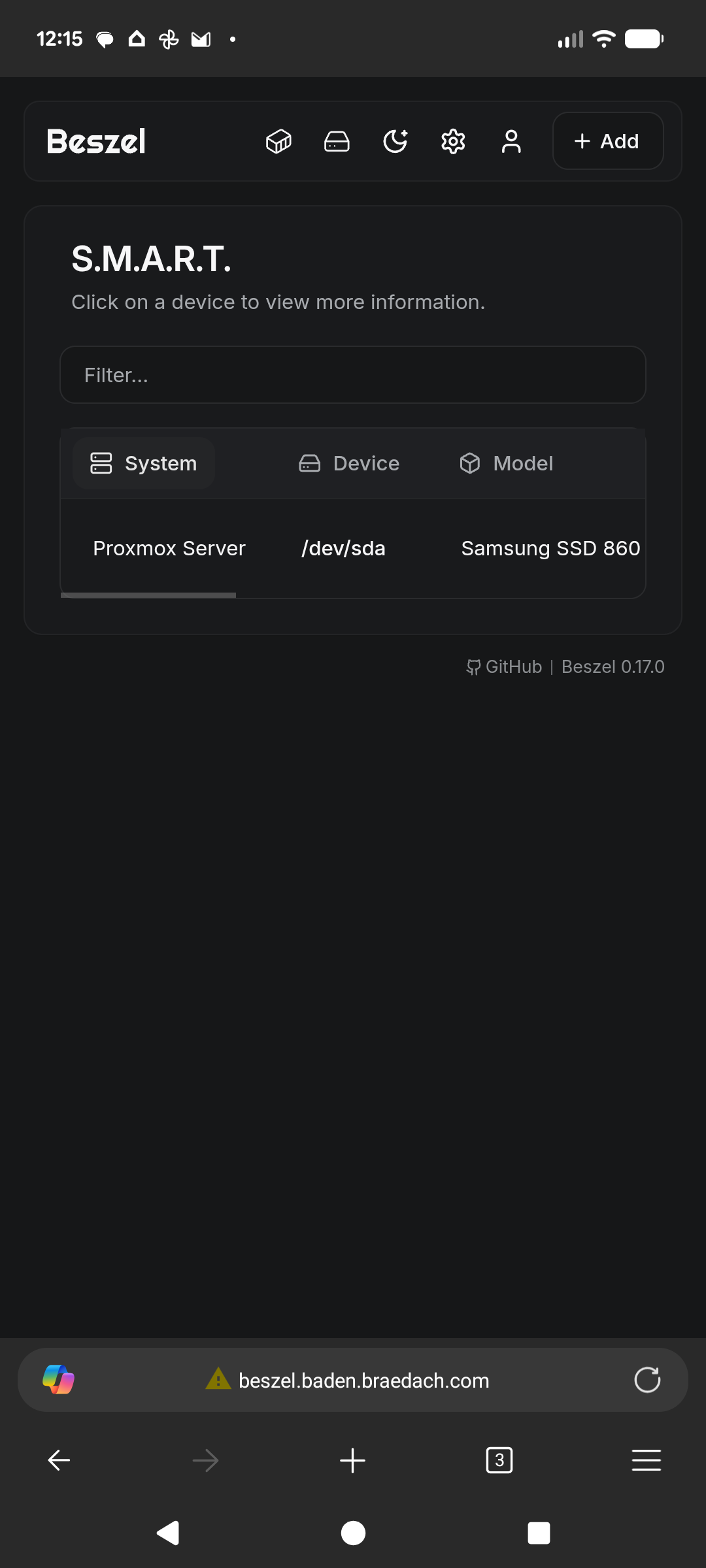
This one was slightly more difficult and apparently, I have a problematic M2 disk.
Deployment was via the binary method also.
Explanation / Instructions here.

To enable smart monitoring of your hard drives, follow the instructions given in the link above or just do the following below.
# Run this command on the Proxmox server not the LXC
# Or you can run it on a Linux based Laptop for testing

sudo apt install smartmontools
sudo smartctl --scan

# Add the system to the beszel hub using binary
# Assuming nvidia-smi or amd-smi are available it will auto add features

# Tested on Latitude system
# Refer to documentation if you get into grief

# Happy hunting.
This should get you going and there are numerous variations on deployment such as via Podman directly, using quadlets (troublesome) using systemd and then of course good old docker compose via docker engine 29.
Fingerprint Mismatch
Normally occurs when you rebuild a system and reinstall the agent on said system.
Fix
- Go to the Beszel hub and then settings -> tokens
- Rotate the token and adjust the agent - don't even bother with the fingerprint
- On restarting the agent, it should reconnect and create a new fingerprint
- Any other error normally relates to the proxy of a protocol mismatch.
I am not saying this is right, but it works.
#enoughsaid