Booklore is Dead

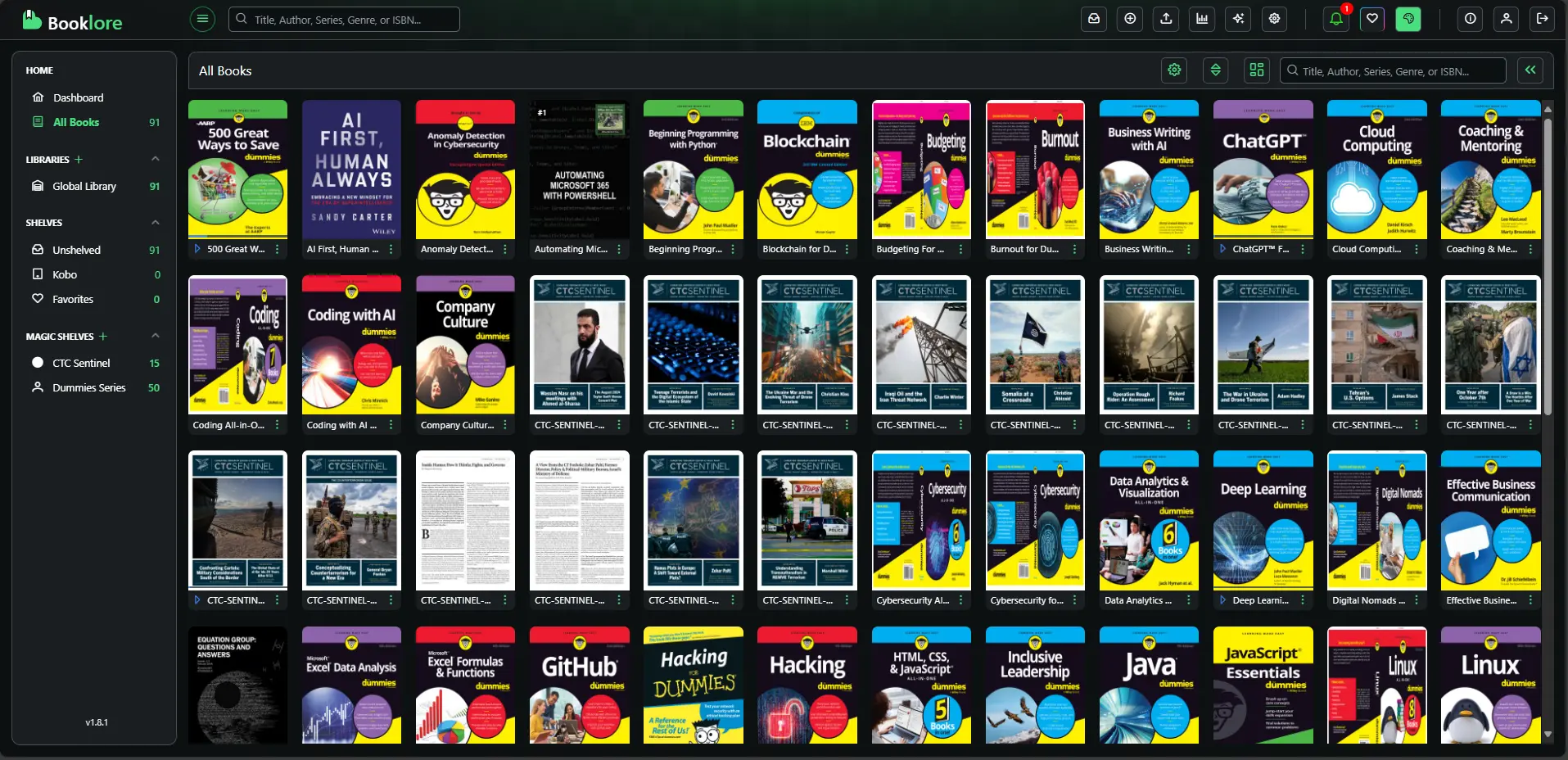
I am going through trying times at the moment so I will make this brief.
That's very interesting — and you're right to push back. Here's what the evidence actually shows:
The repository itself has gone down very recently — likely today or in the last day or two. The search results show it was clearly live and active as recently as March 14–15, 2026 (pull requests merged just 9 days ago), with v2.2.1 as the latest release. But critically:
The TrueNAS Apps Market page for BookLore explicitly states it "was removed from the catalog on 2026-03-23" — which is today's date.
That's a strong signal. Something happened very recently — either:
- The developer took the repo private or deleted it — possibly a licensing dispute, burnout, or a deliberate decision to close the project
- GitHub took action — DMCA, terms of service, or similar
- A sudden pivot — the developer may be moving to a different model (paid, private, rebranded)
The Docker images on DockerHub may still be available even if GitHub is gone, so if you have a running instance, don't restart it without pulling your data first.
What to watch:
- The BookLore Discord server (if you're a member) would likely have an announcement
- Check
r/selfhostedon Reddit — this kind of thing gets noticed and discussed very quickly - The DockerHub image at
ghcr.io/booklore-app/bookloremay still exist temporarily
It looks like it genuinely just vanished within the last 24 hours or so. You caught it right as it happened.
That's the full picture now — and it's quite a story. Here's what actually happened:
The developer (known as ACX/adityachandelgit) deliberately shut it all down. The official Discord announcement stated: "ACX has made the decision to close Booklore and step away. He has a partner, a new chapter of his life ahead of him, and honestly — building something that reached 10k stars and thousands of daily users is something to be proud of." The Discord, website, and GitHub are all gone.
What led to it — the AI code controversy:
There was a recent controversy surrounding the developer's conduct towards contributors and potential abuse of the project's license, which culminated in the repository's removal from GitHub.
The dev was using Claude (ironically) to generate massive pull requests — reportedly 20,000-line PRs — and was banning people from the Discord and accusing anyone who forked the code of theft.
There were also reports he wanted to release a paid client and was making it harder for FOSS clients to connect, and was attempting to change the project's licence — difficult given other contributors had already contributed code under the existing licence.
A successor project is forming:
Some contributors are working together on an unnamed replacement project. It's very early days — as of the time of these posts a new Discord exists but no code is public yet.
Bottom line for you: BookLore is dead as a project. Your priority remains saving that Docker image. Alternatives the community is pointing to are Calibre-Web and Kavita as the most mature self-hosted replacements in the meantime.
What to do now
In Portainer, you can't directly "lock" or protect a pulled image from being deleted, but you can make sure it's preserved by doing the following:
1. Keep a running container referencing it
The simplest protection — as long as a container exists (even stopped) that uses the image, Portainer won't let you accidentally delete the image. It will show as "in use."
2. Pull and tag it with a local alias
In Portainer, go to Images → Pull Image and if the image is still on GitHub Container Registry (ghcr.io/booklore-app/booklore), pull it now before it potentially disappears from there too. Then tag it locally with something you control:
In Portainer → Images → click the image → Tag → give it something like booklore:preserved-v2.2.1
3. Export the image to a tar file (best protection)
This is the most robust option — saves the image to disk regardless of what happens upstream.
In Portainer go to Images → select the BookLore image → click Export. This downloads a .tar file to your local machine.
You can also do it via the Proxmox host shell directly:
docker save ghcr.io/booklore-app/booklore:latest | gzip > /mnt/backup/booklore-v2.2.1.tar.gz
Or if you're running it in a Podman LXC:
podman save ghcr.io/booklore-app/booklore:latest | gzip > /mnt/backup/booklore-v2.2.1.tar.gz

or

podman save docker.io/booklore/booklore:latest | gzip > /srv/backup/booklore-v2.2.1.tar.gz
To restore later:
podman load < /mnt/backup/booklore-v2.2.1.tar.gz
4. Push it to your own registry
If you want a more permanent self-hosted solution, you could push the image to a local registry container (e.g. registry:2) running in your homelab, giving you full control over it indefinitely.
Recommendation for right now: Do the export/save first — that's the safest immediate step. The GitHub repo is gone, and the GHCR image could disappear next. Get that tar file onto your NAS or backup storage before anything else.
#enoughsaid