Proxmox Hypervisor Planning

Another very good post by Brandon Lee
 Brandon Lee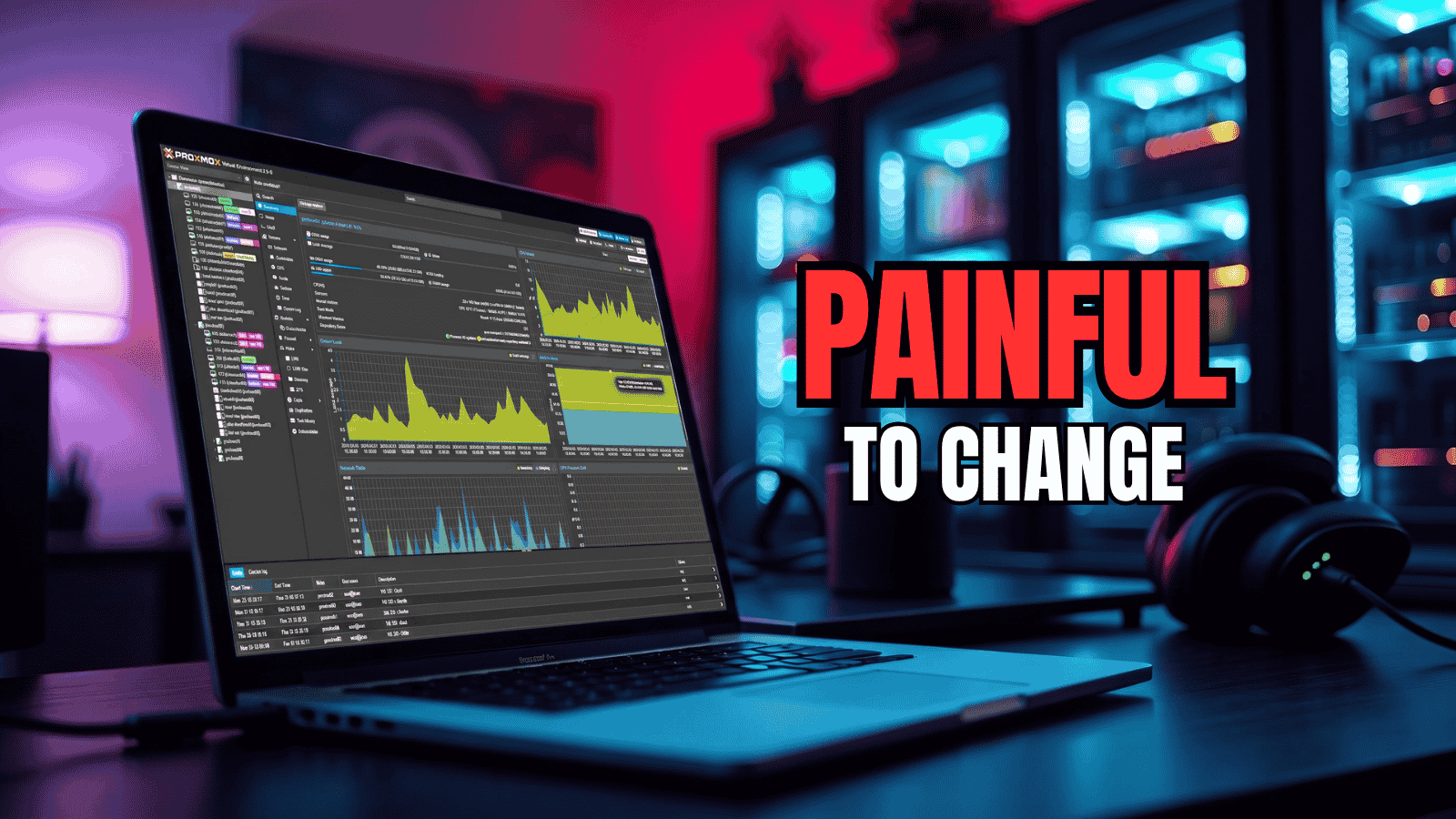
A few other considerations
- If you are going to use a LLM consider AMD based graphics in lieu of Nvidia
- Kernel pinning - you may need to keep kernel 6.17 for drivers in relation to GPU / LXC passthrough which complicates things
- Motherboad chipset. Everything has skyrocketed in price. Memory and storage in particular. Sometimes an AM4 mainboard is more cost effective over an AM5
- IPv6 - has numerous advantages and a few disadvantages so decide before use
- Storage - expensive and backups can take time on on large RAW drives. Seriously consider moving application data to a standalone drive that is simple to restore to Proxmox if your server goes down. The smaller the drive the faster the backup as the data resides on a seperate drive. Keep the RAW drives on M2 devices if possible.
- NAS - a serious cost to benefit analysis is required. It is much better to store the data on the server taking into account the dot point above. If you run or are planning your own cloud or services with large data sets.
- Services Proxmox itself depends on. This requires serious consideration. If your DNS, IDS/IPS, NTP server reside on a node or you have a single node. If that goes down your network will go down. Sometimes its better to just upgrade the router.
- Reverse proxy. Think about this long and hard. If its an embedded docker or podman service and it goes down, it takes access to the applications with it. It also overly complicates docker or podman networking requiring additional networks so that the reverse proxy can access the frontend. Sometimes its simpler to just make a seperate LXC to handle the reverse proxy. Mine utilises one thread on 1024Mb RAM on a 512Mb cache
- Memory management. Services chew up threads, memory and cache. The more you run the more they chew. Look into management at the docker compose level.
- Firewalls - Proxmox has numerous options and the more complicated it is the harder it is to manage. I recommend keeping it very simple, but effective.
Building a Proxmox Hypervisor
When evaluating the total cost-to-performance ratio between AMD’s Socket AM4 and Socket AM5 platforms, the right choice depends on your overall system budget, immediate performance needs, and long-term upgrade plans.AM4 is a highly mature, budget-friendly legacy platform that minimises upfront costs, while AM5 represents modern, future-proof architecture that carries a higher platform premium but offers significantly better performance and upgrade longevity. [1, 2, 3, 4]
Core Cost Component Comparison
| Feature Factor | Socket AM4 Platform | Socket AM5 Platform |
|---|---|---|
| Average Motherboard Cost | ~$95 to $150 AUD | ~$130 to $220+ AUD |
| Supported Memory Type | DDR4 only | DDR5 only |
| Primary Value Chipsets | AMD B550, A520 | AMD B650, A620, B850 |
| Max Storage Generation | PCIe 4.0 NVMe M.2 | PCIe 5.0 NVMe M.2 |
| Future CPU Upgrades | None (End-of-life platform) | Active support through at least 2027 |
1. Motherboard & CPU Cost
- AM4 (Maximum Budget Saving): Highly cost-effective mainboards like the MSI B550M-A PRO or MSI B550M PRO-VDH WIFI sit between $95 AUD and $149 AUD. When paired with an entry-level 6-core/12-thread AMD Ryzen 5 5500 ($119 AUD) or an AMD Ryzen 5 5600, you can secure a functional motherboard and CPU bundle starting at roughly $204 to $299 AUD. [5]
- AM5 (The Upfront Premium): AM5 motherboards start slightly higher, with basic A620 boards around $124 AUD and feature-rich mainboards like the Gigabyte B850M FORCE WIFI6E V2 running around $179 AUD. Entry-level 6-core/12-thread Zen 4 CPUs such as the AMD Ryzen 5 7600 or AMD Ryzen 5 8600G cost roughly $279 to $285 AUD, pushing your entry point for a motherboard and CPU into the $400 to $500 AUD tier.
2. Cores, Threads, & Performance
- Value Tier (6 Cores / 12 Threads): For standard office multitasking, lightweight home servers, or entry-level gaming, the AM4 Ryzen 5 5600 remains the price-to-performance champion. [5, 6]
- High-End Production Tier (12 to 16 Cores): If you require high core counts for heavy code compiling, video editing, or heavy virtualization (e.g., multi-node home labs), AM5's Zen 4 and Zen 5 architectures deliver vastly superior single-thread efficiency and higher overall bandwidth. However, if pure "cores-per-dollar" is your metric, deep discounts on premium AM4 multi-core bundles (such as an ASRock B550 Ryzen 9 5950X 16-core power bundle) offer severe computational discounts if you don't mind staying on a legacy platform. [7]
3. RAM Costs & Upgrade Paths
- DDR4 vs. DDR5: AM4 motherboards use DDR4 RAM, which is incredibly mature and inexpensive. AM5 requires DDR5 memory, which carries roughly a 30% price premium over DDR4 due to market demands.
- The Upgrade Trap: While buying a 16GB or 32GB DDR4 kit for an AM4 board saves you cash right now, that memory cannot be brought forward to any modern system. If you plan to upgrade your PC in two or three years, AM5's "drop-in" capability allows you to swap your CPU for a next-generation chip while preserving your motherboard and DDR5 RAM. [1, 3, 7, 8, 9, 10, 11]
4. Storage Costs
- PCIe 4.0 vs. PCIe 5.0: Both platforms handle standard, mass-market PCIe 4.0 NVMe M.2 SSDs flawlessly, which represent the absolute sweet spot for storage cost-per-gigabyte.
- Bandwidth Cap: AM4 tops out at PCIe 4.0 speeds. If you have extreme data-throughput needs that demand cutting-edge PCIe 5.0 SSD speeds, you will require a premium AM5 chipset (like the B650E, X670E, or B850) that supports native Gen 5 storage lanes. [7]
Final Recommendation Blueprint
- Choose Socket AM4 if: Your primary target is minimizing immediate system costs. If you are building a budget gaming machine under $1,000 AUD, saving money on an AM4 board and DDR4 RAM allows you to funnel an extra $200 AUD directly into a more powerful graphics card or larger storage drives.
- Choose Socket AM5 if: You want your system to last 4 to 5+ years without needing a total platform rebuild. Paying the upfront premium for an AM5 board and DDR5 memory guarantees a clear, cost-effective path for drop-in CPU upgrades in the future without buying a new motherboard down the track. [1, 4, 6, 11, 12, 13, 14, 15]
[1] https://www.darkflash.com
[2] https://au.pcmag.com
[3] https://www.cclonline.com
[4] https://www.youtube.com
[5] https://www.youtube.com
[6] https://www.youtube.com
[7] https://etechdevices.com
[8] https://www.reddit.com
[9] https://box.co.uk
[10] https://www.youtube.com
[11] https://www.koukan.co.uk
[12] https://www.youtube.com
[13] https://etechdevices.com
[14] https://www.xda-developers.com
[15] https://etechdevices.com
You can do your own cost analysis on Intel based solutions. Just remember you will need room for that GPU or multiple GPU's if you want to use your own LLM.
Such is life.
#enoughsaid