UniFi Network Application 11

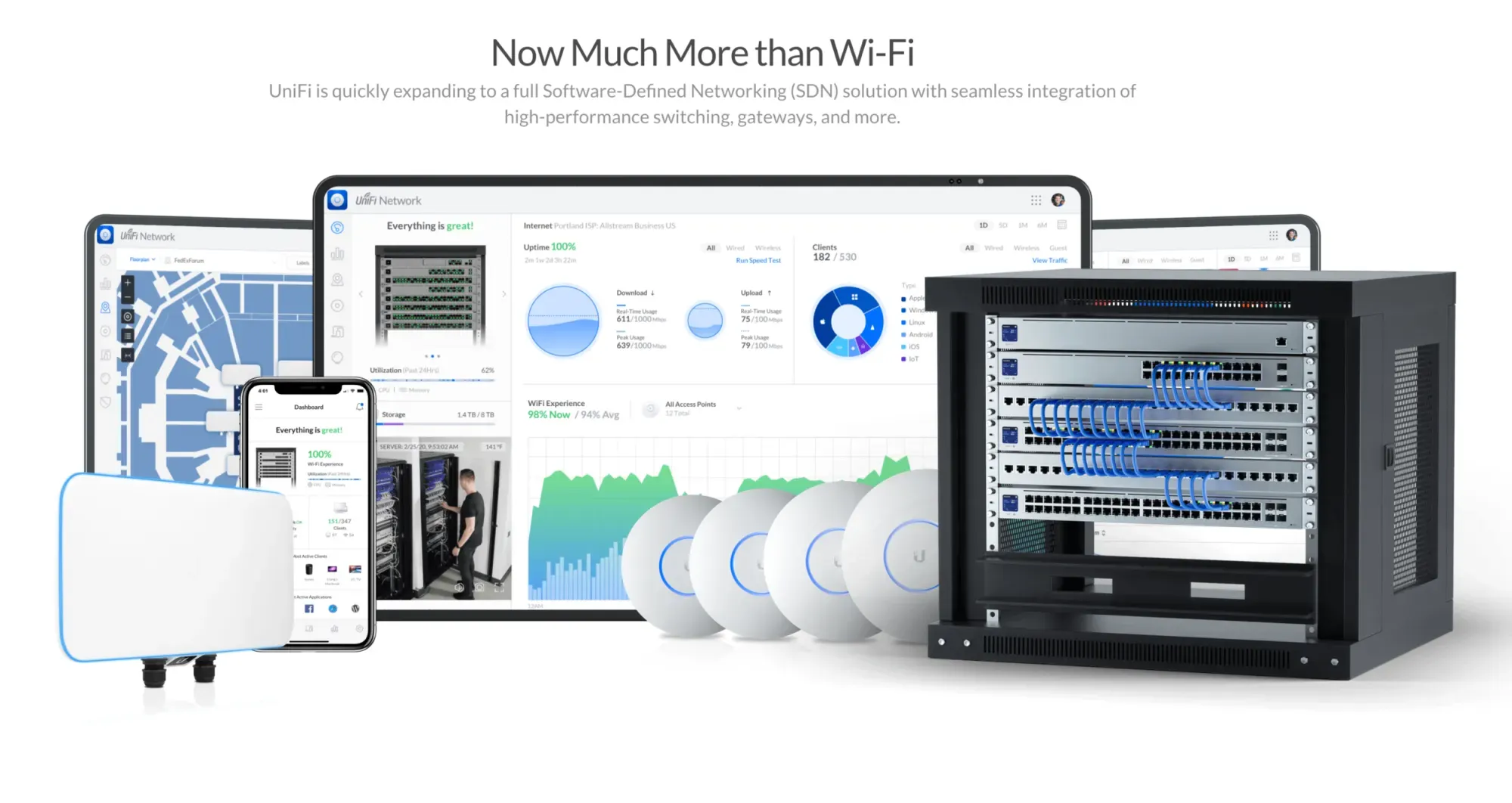
Is an update for Ubiquiti’s network management software released as an Early Access (EA) version.
⚠️ Critical Requirements & Breaking Changes
- UniFi OS Requirement: It strictly requires UniFi OS 6.0 or newer.
- USG Gateway Support Dropped: Support for legacy USG gateways has been entirely removed. Version 10.6 is the final release that supports USG devices.
- Network Application Server Discontinued: Standalone Network Application Server support is removed; users must upgrade to UniFi OS Server.
- Database Migration: The application database has been migrated to PostgreSQL, introducing a more scalable statistics engine.
- Data Loss Notice: Upgrading clears your existing statistics history to start fresh.
- Network Interruption: Devices will re-provision following the update, causing a brief network interruption.
- Firewall Migration: All sites are automatically migrated to a Zone-Based Firewall architecture. This one is the one causing the most trouble.
🆕 Key Features & Improvements
- Matter & Thread Observability: UniFi can now detect and visualize Thread border routers, offering a network topology view for Thread-enabled smart home devices.
- AI Icon Generation: Introduces the ability to generate custom dashboard icons by uploading an image.
- Regional ISP Support: Adds native support for Japanese IPoE static IP / IPIP tunnel configurations (such as Xpass/V6plus).
Because version 11.0.81 is a very fresh Early Access release (launched in October 2026), the total number of widely reported community issues is low, but the reported bugs are highly critical due to massive underlying structural changes. Here is what you need to watch out for post-upgrade based on initial reports in the Ubiquiti Community:
🚨 Post-Upgrade Watchlist
- VLAN Routing & Multi-Vendor Disconnects: A major reported bug involves the automatic migration to the new Zone-Based Firewall architecture. Users with complex topologies—specifically environments using a UniFi Gateway (like a UDM-SE) alongside third-party routers (such as MikroTik)—have experienced severe routing breakages. Virtual servers and subnets sitting behind secondary routers suddenly became completely inaccessible, requiring some users to roll back.
- Custom Firewall Rule Breakages: Because all sites are automatically migrated to Zone-Based firewalls, check your custom LAN-In/LAN-Local rules. Ensure that cross-VLAN blocking or inter-VLAN routing permissions are still behaving as intended.
- Device Adoption & Provisioning Hangs: Because the update triggers a mandatory database migration to PostgreSQL and forces a complete network re-provision, some switches or access points may get stuck in a "Provisioning" or "Offline" loop. If a device doesn't recover after 20–30 minutes, you may need to force-cycle its power or use a manual
set-informcommand. - Total Data Loss on Insights & Statistics: This is intended behavior, but something to remember so you don't panic: your entire statistics history is gone. The app starts fresh on the new PostgreSQL engine. If your dashboard metrics or historical client usage graphs are completely blank, the system is working normally and rebuilding from scratch.
🛠️ What to do right now
- Audit your inter-VLAN traffic to ensure local servers, printers, and smart-home devices are still talking to each other.
- Check your gateway resource utilization (CPU/RAM). The initial database migration can cause resource spikes.
- If your network has critical dependencies on complex third-party routing or legacy configurations and you experience a total outage, be prepared to roll your Network Application back to the 10.6 branch.
References
[1] https://note.com
[2] https://community.hubitat.com
[3] https://www.reddit.com
[4] https://ubiquiti-networks-forum.de
[5] https://www.reddit.com
[6] https://www.reddit.com
[7] https://community.ui.co
[8] https://community.ui.com
[9] https://community.ui.com
[10 https://community.ui.com
[11] https://community.ui.com
[12] https://community.ui.com
Update complete
#enoughsaid