STP Explained - Ubiquiti - Updated

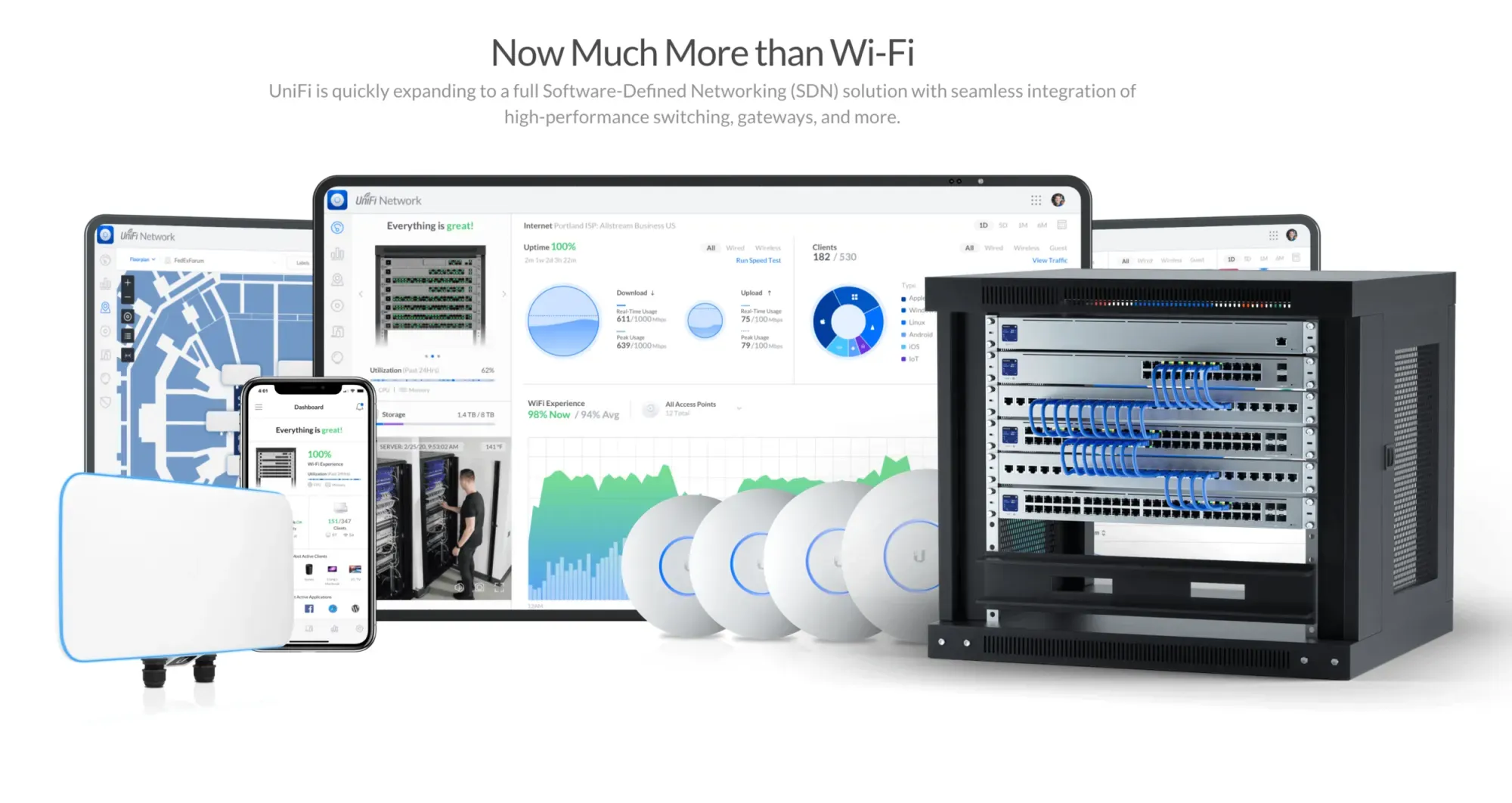
So you are building a homelab or just want to host your own stuff, or maybe your just one of those guys or girls that want the internet ordering fridge, security cameras, app enabled garage, automatic lights, the mirror that tells you you daily routine and appointments. Hell, these days its endless.
You have decided to wire your house, securing your primary devices to a wired connection rather than wireless. What ever the reason, it was a wise choice. If your network technician did his job you have at least Cat 6a Networking giving you 1Gbps, recommended 2.5Gbps and the potential of 10Gbps in your wiring depending on the length and the hardware of your devices. No optic cabling yet required.
Beyond that your pushing it, but not bad for copper 8 core cable.
May the speed be with you - just forget about domestic NBN NTDs as they are all 1Gbps to the best of my knowledge at this point of time for "domestic" use.
So you decided to get some switches and take that single RJ45 line in the study, bedroom, mediaroom (where I actually put the NTD) and before you know it, you have switches everywhere and you need a network management solution. After all that single line can be branched out with a switch. You just need an intergrated management solution, and a second admin to keep it all in order, if you are away.
After all you dont want every device on the same LAN. So here cometh VLAN's and all that entails but that is not the topic of the post. Its not hard really but it requires forethought.
I chose Ubiquiti after a brief time with Firewalla (which is very good) but not a complete solution at this time. Cisco ($$$) and various other solutions - well no thanks. Ubiquiti is known as Prosumer and is quickly moving up to Enterprise.
So why this post.
Because very few people discuss STP and when you set up a Ubiquiti Router you dont select STP but RSTP. There is a big difference. The latter enables you to set the primary switches on your network. The first does not.
What is STP
The Spanning Tree Protocol (STP) is a Layer 2 network protocol designed to prevent network loops in Ethernet networks while allowing for backup links (redundancy)
QUIZ: What is network layer 2, too slow - you dont know.
Without STP, connecting network switches together with multiple cables to create a backup path causes a catastrophic problem: broadcast storms. Because Ethernet headers lack a Time-to-Live (TTL) counter, data frames will circulate through redundant paths endlessly, instantly overwhelming and disabling your entire network.
So dont do that please. This is covered on many Youtube network videos.
However if you start stringing switches together you might find the STP Root switch being the wrong one, ie.. a dead end switch, like the master bedroom that runs the TV, Media box. The one you want is the one directly under the router, however you may have two or three switches directly under the router ie... plugged into a router RJ45 port.
The one that you make master is probably the one that does most of the work or hosts the most devices.
So by checking the RSTP box in your Unifi router you can change the priority of each switch.
A better explanation is here:
I have realised I have badly explained this. So watch the video above. The primary reason for this is below
- Multiple connections: Laptops connected to wifi and ethernet
- Multiple APs that are wired not meshed. Disable this or you are not going to be happy.
However this should also be enabled in your Ubiquiti router.
- STP Edge enabled. The reason is in the video.
- This is also important if somebody decides to add an unmanaged switch without your knowledge.
Just watch the video. You can see why serious home network admins throw their ISP issued routers in the recycle bin (dont do that in Australia - your meant to take them to your council approved electronic recycling centre).
For Example
Returning to the reason for the post now that we have the why.
To change the Spanning Tree Protocol (STP) root switch inside your UniFi system, you need to manually adjust the RSTP Priority values on your switches. In RSTP architecture, the switch with the lowest numerical priority value becomes the designated Root Switch. Currently, your USW Ultra Study is elected as the root because all of your switches are sharing the default priority value of 32768, forcing the system to break the tie by choosing the switch with the lowest physical MAC address.
Step-by-Step Configuration
To move the root designation to your main core switch (the one directly connected to your Dream Machine Special Edition):
- Log into your UniFi Network Application dashboard.
- Click on the UniFi Devices icon (the circle icon in the left-hand menu) to view your device list.
- Select the physical switch you want to designate as the new Root Switch to open its side settings panel.
- Inside the side panel, click on the Settings tab (the gear/cogwheel icon).
- Scroll down to expand the Advanced section.
- Find the Spanning Tree Priority dropdown field.
- Change its value from the default
32768to a lower multiplier of 4096 (such as0or4096). Setting it to4096is widely considered best practice, as it leaves0open if you ever need to override it with an even higher-tier switch down the road. - Click Apply Changes at the bottom.
Recommended Network Tiering Strategy
The network will briefly re-converge after you save the configurations. To maintain a stable, loop-free network topology, configure your devices using an increasing step tier (multiples of 4096) based on how close they sit to your gateway:
- Core/Main Switch (Directly under the UDM): Set to
4096 - First Downstream Tier Switches (USW Ultra Study / USW Flex Mediaroom): Set to
8192 - Second Downstream Tier Switches (USW Flex Familyroom): Set to
12288
Which I have just done and the network has responded in kind.
One of these days I will get around to replacing the 2.5Gbps Flex switch with the $700 larger 1U version that has a mix of 1, 2.5 and 10 Gbps ports and set it as default and then move the said Flex switch to say the study, but money is tight and as a neighbour said, Im a tight arse. Who isnt?
Its a bit like upgrading to a Wifi 8 or 7 AP. Once you hit that 1Gbps limit you are brought low by your NTD (its Australia - top dollar for services the rest of the world considers sub-standard). My network is capable of 300+ devices. Cant say that of my old Telstra Smartrouter version 3.
Remember is you self host via your own servers, as long as you dont go outside, your hardware is the speed limit, not the Australian infrastructure. Also well documented on Youtube.
So if that link to your media server is 10Gbps or at least 2.5Gbps then it can handle some serious use.
I actually tested this in the Perth CBD library, connecting to my home network via the Ubiquiti VPN server and then connecting to my multimedia server. Okay I was connected to my own mobile 5G hotspot wifi rather than the free Perth CBD library wifi (yuck). No direct USB link - also available.
It didnt cache, it didnt stall. It worked a treat. Full 4K video across numerous networks to my home network. Although this is not directly linked to the topic of this post, a proper network design is important. STP/RSTP is important.
So thats how you change the STP root. Dont set your router to STP. Set it to RSTP.
Why network admins with home labs that would be the envy of MSP's dont discuss this on Youtube, is beyond me, but they rarely go into firewall rules, the problems associated with servers, the quotas with docker hub, or many other little problems that can bring you down.
Vagueness seems to be an epidemic, much like policies from political parties.
Live and learn.
#enoughsaid